Introduction
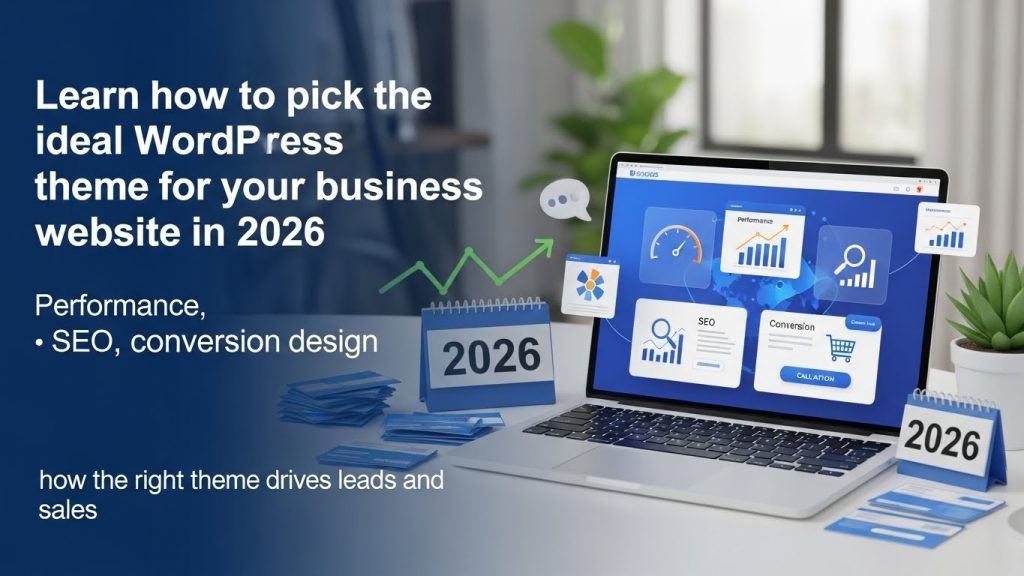
Your WordPress theme is not just about how your site looks. It directly impacts user experience, search engine rankings, site speed, and conversion rates. Choosing the wrong theme can slow down your site, frustrate visitors, and reduce leads. Choosing the right theme can boost engagement and increase conversions. This post shows you exactly how to choose the best WordPress theme for your business so your website attracts traffic and turns visitors into customers.
Why Your Theme Matters More Than You Think
Your WordPress theme affects:
Site Speed and Performance
Search engines and users prefer fast sites. A poorly coded theme slows your site and hurts rankings and conversions. Optimized themes improve user experience and reduce bounce rate.LinkedIn
Mobile Responsiveness
Google uses mobile-first indexing. A theme must look great on phones and tablets.
SEO Friendliness
Themes with clean code, proper heading structure, and support for SEO plugins help you rank higher.Shopify
Conversion Optimization
Themes with clear layout options for call-to-action buttons and lead capture forms increase conversion potential.
Ready to transform your online presence? Talk to us for a customized theme selection and installation plan. Contact here https://bestbrandtech.com/contact/
Step 1: Determine Your Website Goals
Before choosing a theme, define what you want your website to do:
Lead Generation
Do you want visitors to book services or request consultations?
-
Look for themes with CTA placements above the fold
-
Lead-friendly design elements on homepage and landing pages
Ecommerce
Are you selling products?
Choose themes optimized for WooCommerce with product layouts and checkout optimization.
Portfolio/Branding
Showcase your work with themes designed for strong visual impact.
Checklist
-
Lead-focused: CTA buttons, contact forms
-
Content-focused: blog and resource layouts
-
Product-focused: catalog and checkout features
If you want help defining your goal and matching the perfect theme, request a free strategy review https://bestbrandtech.com/contact
Step 2: Check Theme Performance and Speed
A fast theme improves user experience and boosts SEO. Slow sites lose visitors and lower conversions. To test speed, use tools like Google PageSpeed Insights or GTmetrix.
What to check:
-
Page load times
-
Mobile responsiveness
-
Caching compatibility
-
Lightweight code for faster rendering
Look for themes built for performance and optimized for speed from reputable developers.
Unsure about theme speed? Get a performance audit from our team. https://bestbrandtech.com/website-design-custom-development/
Step 3: Mobile Responsiveness and Accessibility
Ensure your theme:
-
Adapts to all screen sizes
-
Uses readable fonts and sizes
-
Adheres to accessibility standards
Mobile users are a majority online. A mobile-friendly theme keeps visitors engaged and reduces bounce rates.
Tips for Mobile Optimization
-
Test on multiple devices
-
Use responsive sliders and navigation
-
Ensure buttons are easy to tap on small screens
Want a mobile-optimized design? Start a custom build with us.
Step 4: SEO and User Experience Elements
Your theme should support:
-
SEO plugin compatibility (e.g., Yoast, RankMath)
-
Structured data support for rich snippets
-
Clean HTML and CSS
SEO Checklist
-
Proper H1 and H2 structure
-
Fast load times
-
Alt tags for images
-
Schema markup
Implementing these on top of a well-coded theme helps search engines understand your content.
Need help implementing SEO on your site? Schedule SEO setup now.
Step 5: Customization and Branding Flexibility
business site must reflect your brand. Look for themes that let you:
-
Customize colors and typography
-
Adjust layouts without coding
-
Upload a custom logo and icons
Themes integrated with page builders like Elementor or Gutenberg give flexibility and control.
Want a fully branded website? Contact us to start your customization project.
Ensure the theme works with:
-
SEO plugins
-
Lead capture plugins
-
Social media plugins
-
Backup and security plugins
Also consider future needs, like ecommerce expansion or multilingual support.
What to test:
-
Demo installation with key plugins
-
Layout options for future blog growth
Step 7: Support, Updates, and Reliability
Choose themes:
-
Updated regularly
-
Supported by active developers
-
With good documentation
A theme without updates risks compatibility issues and security problems.
Want help selecting reliable themes? Schedule a consultation.
Examples of Theme Features That Increase Conversions
Conversion-Focused Elements
-
Clear header navigation
-
Sticky CTAs
-
Hero sections with leads capture
-
Testimonials and trust badges
Add social proof like real testimonials or case studies. These elements build trust and improve conversions.
How to Install and Test Your Theme
-
Preview before activation
-
Backup your current site
-
Install and test settings
-
Check mobile, speed, and forms
After going live, monitor performance with analytics and heatmaps.
Conclusion
Choosing the best WordPress theme is critical for SEO performance, user experience, and lead generation. Use this guide to select a theme that enhances your brand and helps you convert visitors into clients.
Transform your WordPress site now. Contact us for theme selection, installation, and optimization tailored to your business.

Best Brand Tech
Website Design | Grahics Design | Search Engine Optimization | Business Registration (CAC) | IT Support